
Tool guide
Contrary Motion
Basic challenges are public. Sign in for the full trainer.
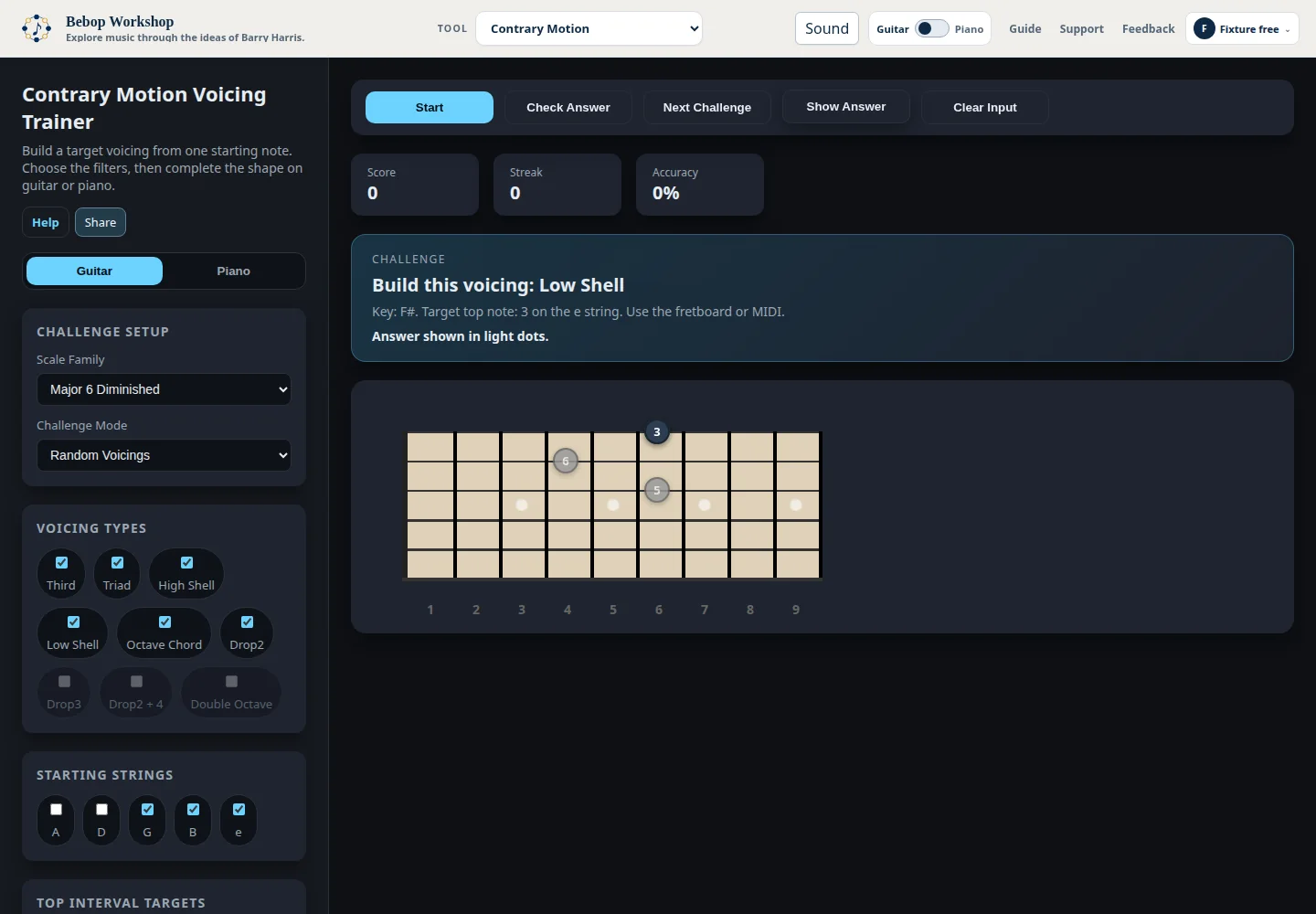
Help
Choose the voicings you want, start a challenge, and complete each shape from the given top note.
Start a challenge
- Choose a scale family and challenge mode.
- Select one or more voicing types, starting strings, and top intervals.
- Select Guitar or Piano, then press Start.
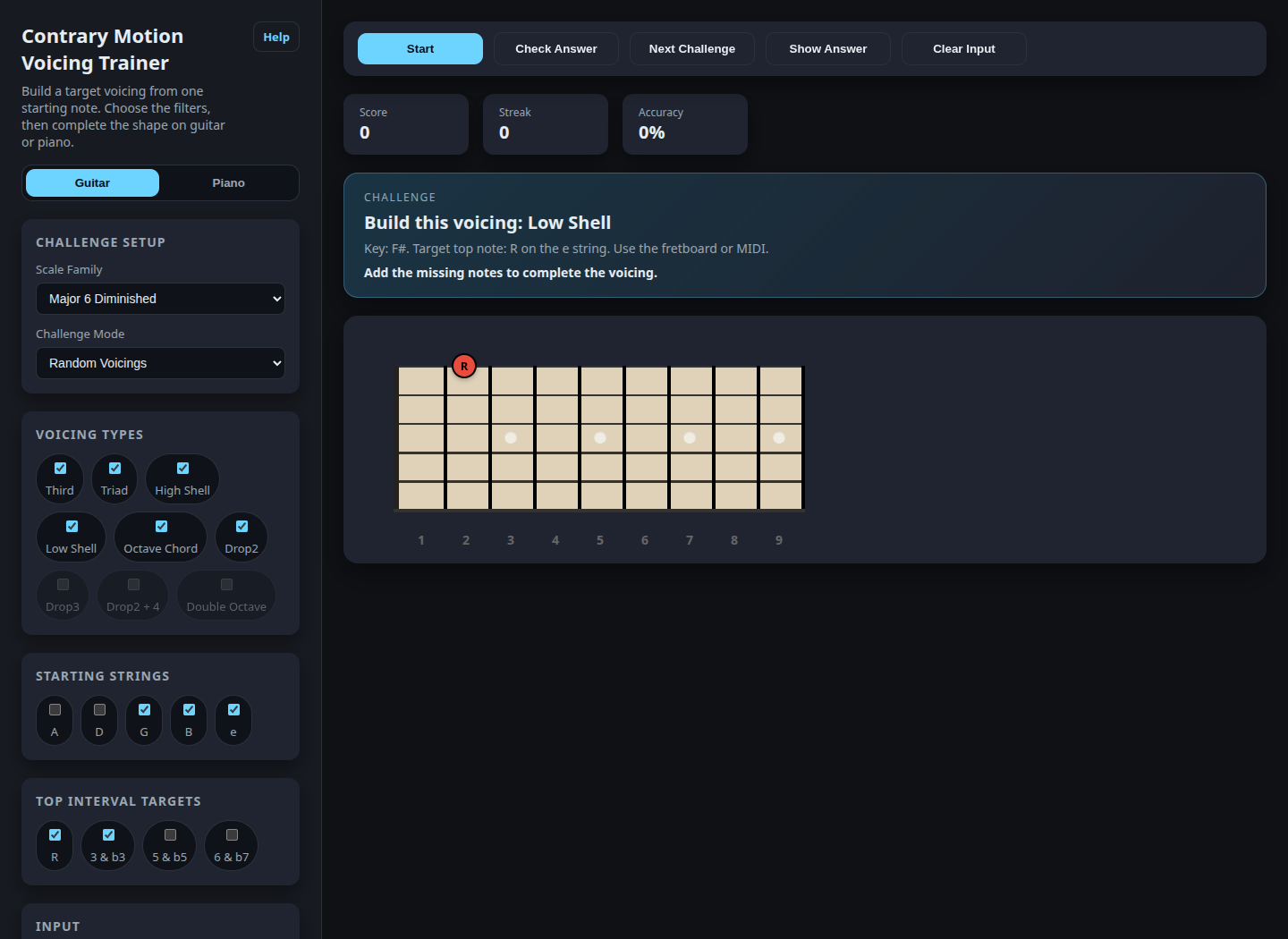
Complete the voicing
The blue starting note is already supplied. On guitar, add the missing notes on the fretboard. On piano, select the missing keys in the displayed register. A correct answer advances automatically.
Check Answer checks the current shape. Show Answer reveals the missing notes. Clear Input removes only the notes you added. Next Challenge skips to another prompt.

Challenge modes
- Random Voicings
- Changes the key, top note, and voicing type between prompts.
- Same Starting Note
- Keeps one top note in place while the selected voicing types change.
- Narrow to Wide
- Moves through the selected voicings from the narrowest spacing to the widest.
- Wide to Narrow
- Moves through the same voicings in reverse order.
MIDI and sound
Turn on MIDI Controller to answer from a connected device. Your browser must allow Web MIDI and the page must be served from HTTPS or localhost. Play Correct Answer controls whether the completed voicing is played; the volume slider changes that playback level.